
XML Signature diagnostics for failed XMLDSIG workflows
XML Digital Signature failures are often difficult to diagnose because one failed operation can involve certificate trust, private key access, KeyInfo data, reference resolution, transforms, canonicalization, digest comparison, or output handling. XML ValidatorBuddy helps you troubleshoot those XMLDSIG signing and verification problems with structured diagnostic findings.
Use this page when you need to understand why XML Signature signing failed, why XML Digital Signature verification failed, or why a reference digest mismatch, certificate chain warning, missing ID target, or KeyInfo problem appears in a signed XML document.
Actionable diagnostics instead of generic XML Signature errors
XML ValidatorBuddy reports findings across the certificate, key, KeyInfo, reference, transform, digest, signature placement, serialization, and output stages. This helps separate configuration issues from XML structure problems and from file output failures.
- Diagnose XML Signature verification failures and XMLDSIG signing errors faster.
- Identify certificate trust, certificate usage, and Windows chain status issues.
- Check whether the selected certificate has an accessible private key.
- Review KeyInfo, X509Data, KeyName, embedded certificate, RSA KeyValue, and HMAC key handling.
- Inspect reference URIs, same-document reference targets, ID-based signing, transforms, and digest checks.
- Export expert verification diagnostics as JSON, XML, or HTML.
Signing diagnostics
During XML Signature creation, XML ValidatorBuddy can collect diagnostic details about the input document, root element, signature type, reference scope, selected IDs, canonicalization, digest and signature methods, transforms, signing certificate, private key access, KeyInfo output, serialization, and signed-file writing.
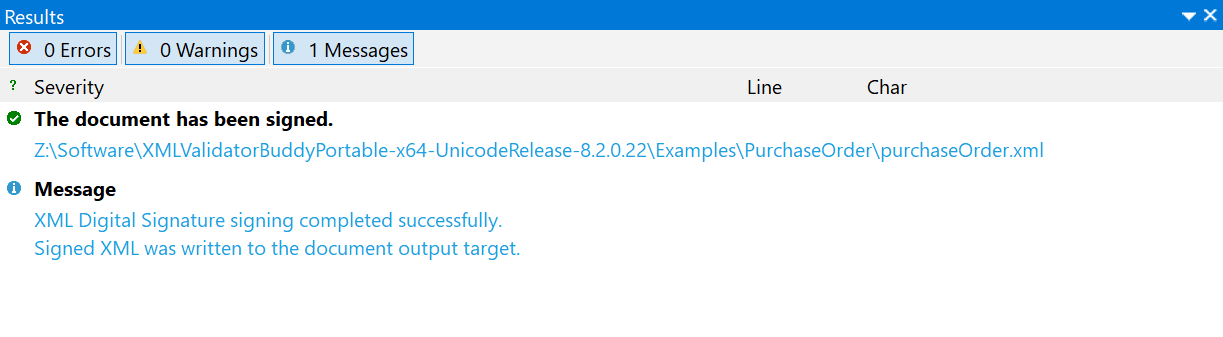
Successful signing remains compact so normal workflows stay readable. If signing fails or is cancelled before writing the signed output, the detailed diagnostic trail helps show where the process stopped and what likely needs attention.
Verification diagnostics
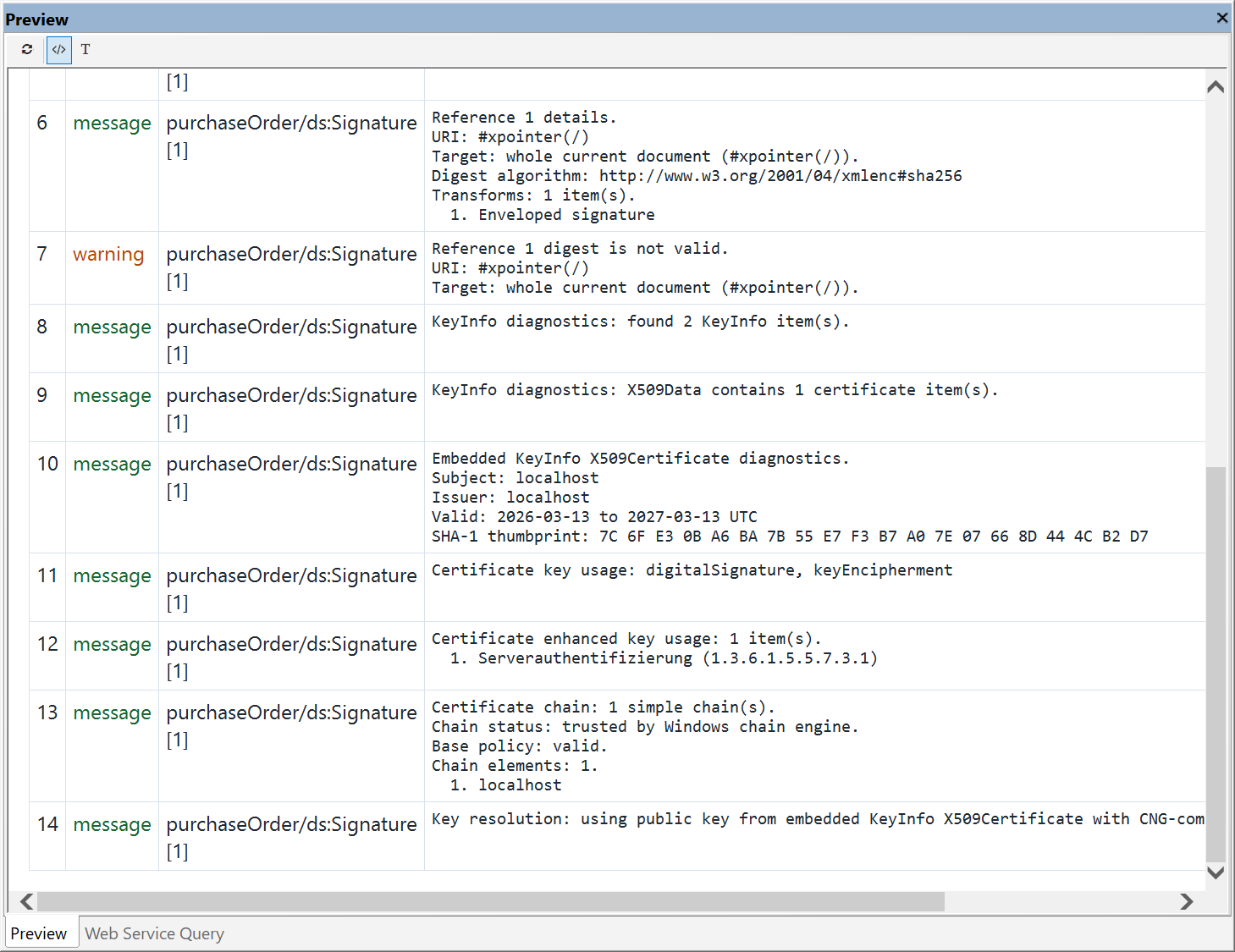
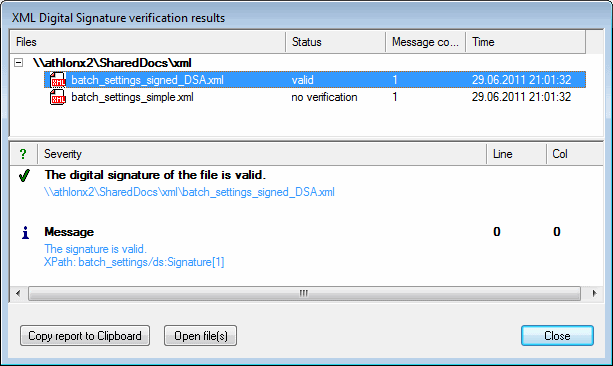
Verification diagnostics can report Signature element discovery, certificate and KeyInfo handling, key resolution, Reference element counts, resolved targets, digest algorithms, transform chains, digest check results, and verification errors.
Diagnostic output can be configured for normal, failure-only, or verbose detail. Failure-only mode keeps everyday verification readable while still preserving expert information when a signature is invalid or cannot be verified.
Common XML Signature problems covered by diagnostics
Certificate and private key problems
Check certificate subject, issuer, validity range, SHA-1 thumbprint, key usage, enhanced key usage, private key availability, provider access, and Windows certificate chain status.
KeyInfo and key resolution issues
Understand whether verification used a selected certificate, embedded X509Certificate data, RSA KeyValue, default KeyInfo resolution, or an HMAC password.
Reference digest mismatches
Inspect reference URIs, resolved same-document targets, missing ID targets, transform chains, digest algorithms, and digest check results for individual references.
Screenshots
.png)
.png)
Related XML Signature tools
The diagnostics described here are part of the XML Digital Signature support in XML ValidatorBuddy+. See the main XML Digital Signature tool page for signing and verification features, or use the XML Signature command-line tool for automated signing and verification jobs.
Take a detailed look at some other features of XML ValidatorBuddy
XML ValidatorBuddy is more than just an XML editor. Learn more on clicking the images and links below.
Editor and validator for large XML
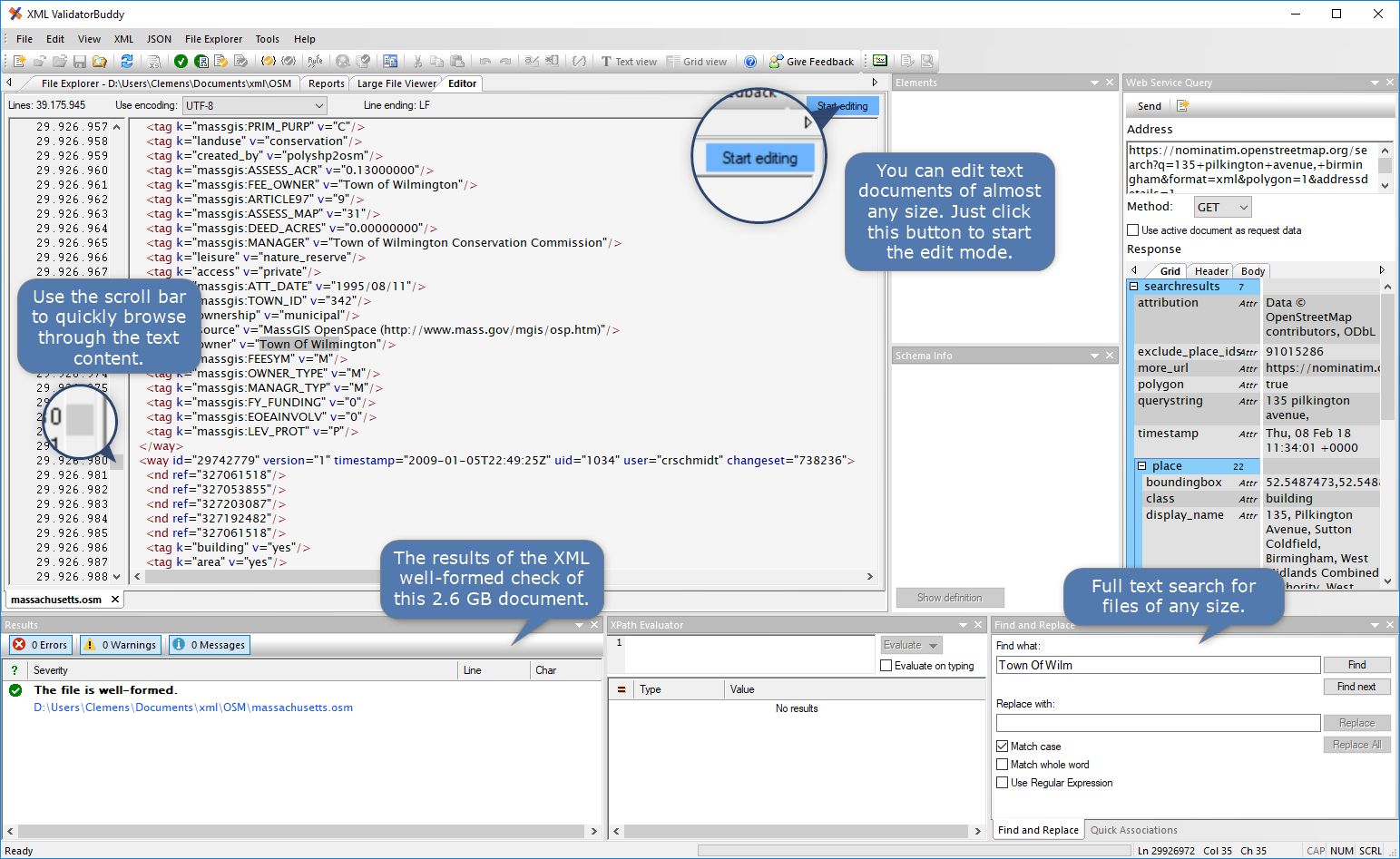
View and edit large XML data - not limited to well-formed input
Learn more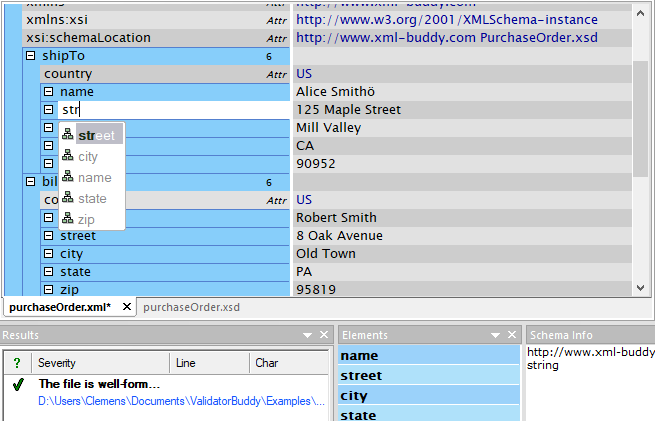
Complete XML editor
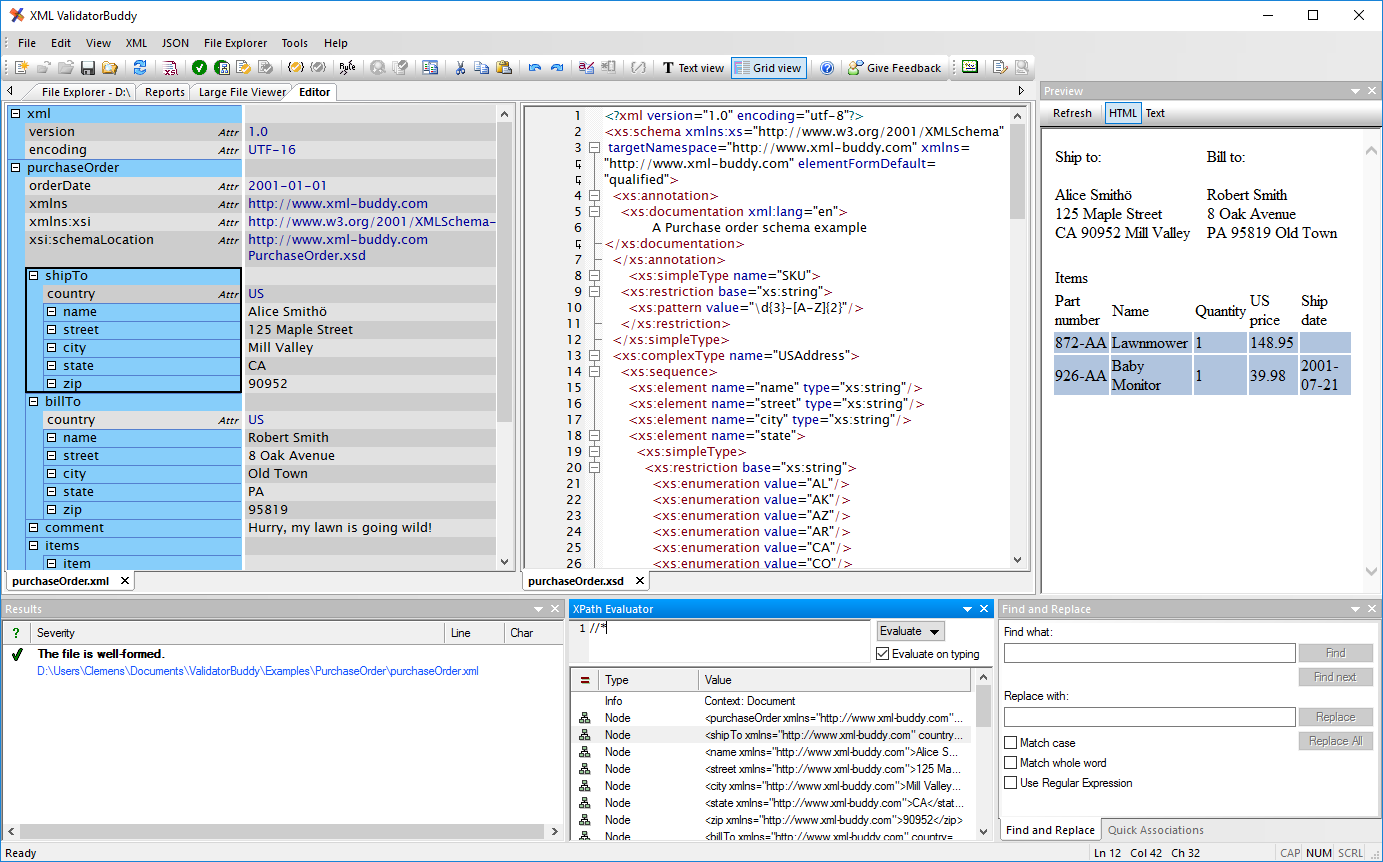
XML editor for Windows ® with syntax-coloring, code folding and many more...
Learn more