
ValBuddy CLI Skill for Codex
The ValBuddy Codex skill provides an agent-ready way to run valbuddy.exe for comprehensive XML and JSON validation, schema validation checks, well-formedness verification, JSON formatting and beautification, and settings-based batch runs. This skill enables AI coding agents to programmatically validate, format, and process structured data files as part of automated workflows, continuous integration pipelines, and quality assurance processes.
Whether you're building automated testing pipelines, validating configuration files, ensuring data quality in batch processes, or integrating validation into your development workflow, the ValBuddy skill gives your AI agents the power to perform professional-grade XML and JSON validation with detailed error reporting and flexible configuration options.
Portability Across AI Coding Agents
The ValBuddy skill is built using the emerging Agent Skills / SKILL.md pattern, making it portable across multiple AI coding agents and platforms. This standardized approach to agent skills ensures that your investment in automation workflows can work across different tools and environments.
Supported Platforms
-
OpenAI Codex: Full support for skills as folders with a required
SKILL.mdfile, plus optional PowerShell and Bash scripts in thescripts/directory, and supporting documentation in thereferences/folder. Codex can discover and invoke skills automatically based on the skill's declared capabilities. -
Claude Code (Anthropic): Supports skills via
SKILL.mdfollowing the same pattern. Claude can use skills automatically when appropriate for the task at hand, or developers can explicitly invoke them through direct references in prompts. Claude's skill integration allows for both autonomous and directed usage. -
GitHub Copilot: GitHub Copilot now supports agent skills built around
SKILL.mdplus optional scripts and resources. GitHub explicitly describes Agent Skills as an open standard intended to work across multiple agents, not just their own. This commitment to openness ensures that skills like ValBuddy can be shared and reused across different development environments and AI assistants.
This cross-platform compatibility means you can use the ValBuddy skill in your preferred AI coding environment without
modification. The standardized SKILL.md format describes the skill's capabilities, parameters, and usage
patterns in a way that different agents can understand and utilize effectively.
Install and Path Setup
Installing the ValBuddy skill is straightforward and follows the standard Agent Skills installation pattern. The skill can be installed directly from GitHub using the built-in skill installer available in Codex and compatible agent environments.
Install from GitHub using the built-in skill installer:
python "$env:CODEX_HOME\skills\.system\skill-installer\scripts\install-skill-from-github.py" --repo Clemens-U/jsonbuddy --path skills/valbuddy-cli
After installation, you need to configure the path to the valbuddy.exe executable on your system.
This is done by setting the VALBUDDY_EXE environment variable to point to your ValBuddy CLI installation.
This approach allows the skill scripts to locate the executable regardless of where it's installed on your system.
Set the CLI path on the target system before running scripts (PowerShell):
$env:VALBUDDY_EXE="Z:\Software\JSONBuddy_7_4_4\valbuddy.exe"
Or for cmd.exe:
set VALBUDDY_EXE=Z:\Software\JSONBuddy_7_4_4\valbuddy.exe
Note: The environment variable must be set in the same session or shell where you intend to run the skill scripts. For persistent configuration, add the variable to your system environment variables or PowerShell profile.
Common Agent Workflows
The ValBuddy skill includes pre-built PowerShell scripts that wrap common validation and formatting operations. These scripts are designed to be invoked by AI agents as part of larger workflows, making it easy to integrate validation and formatting into your automated processes.
JSON Schema Validation
Validate JSON files against a JSON Schema with optional verbose output that provides detailed error messages and validation diagnostics:
./scripts/validate-json.ps1 -SchemaPath "D:\Schemas\library_schema.json" -InputFiles "D:\Data\library.json" -VerboseOutput
XML Schema Validation
Validate XML files against an XSD schema to ensure structural correctness and data type compliance:
./scripts/validate-xml.ps1 -SchemaPath "D:\Schemas\invoice.xsd" -InputFiles "D:\Data\invoice.xml"
JSON Formatting and Beautification
Format and beautify JSON files for improved readability, or minify them for production deployment:
./scripts/format-json.ps1 -Mode pretty -InputJson "D:\Data\raw.json" -OutputJson "D:\Output\pretty.json"
Batch Processing
The skill supports batch operations on multiple files, making it ideal for validating entire directories of configuration files, data exports, or API responses in one operation.
Exit-Code Contract
The ValBuddy CLI follows a predictable exit-code contract that makes it easy to integrate into automated workflows and CI/CD pipelines. AI agents and scripts can reliably check the exit code to determine whether validation succeeded or failed.
0means complete success – all files are valid, well-formed, and pass all checks.-1is returned if any file is invalid, not well-formed, or has no schema assigned when validation is requested.- Any non-zero value should be treated as failure in CI/automation contexts, allowing for fail-fast behavior.
This contract makes it simple to write conditional logic in scripts and workflows that respond appropriately to validation results, whether that means halting a build, triggering notifications, or proceeding with subsequent processing steps.
License Notes
Most features of the ValBuddy CLI are available in the free version, making it accessible for individual developers, small teams, and evaluation purposes. However, some advanced features require commercial licenses:
- Free-license restrictions apply to:
<settings-xml>,-patch,-jsl,-jspp,-jst, and-j2csv. -jsv(JSON streaming validation for large files) requires a JSONBuddy Large Data license.- Supported platform: Windows (Windows 10 and later recommended).
The skill scripts automatically handle license-related limitations and will provide clear error messages if you attempt to use a feature that requires a commercial license.
Key Features and Capabilities
The ValBuddy skill exposes a rich set of validation and formatting capabilities that AI agents can leverage in their workflows:
- JSON Schema Validation: Validate JSON files against JSON Schema (Draft 4, 6, 7, 2019-09, and 2020-12) with detailed error reporting including line numbers and validation paths.
- XML Schema Validation: Validate XML documents against XSD schemas with support for complex types, namespaces, and schema imports.
- Well-Formedness Checks: Verify that XML and JSON files are syntactically correct even without schema validation.
- JSON Formatting: Format JSON files for readability (pretty print) or minify them for production use.
- Batch Operations: Process multiple files in a single operation using file patterns or settings files.
- Settings-Based Validation: Use JSON or XML settings files to define complex validation scenarios with multiple files and schemas.
- Exit Code Integration: Reliable exit codes make it easy to integrate into CI/CD pipelines and automated workflows.
- Verbose Mode: Detailed diagnostic output helps agents and developers understand validation results and troubleshoot issues.
Use Cases for AI Agents
AI coding agents can use the ValBuddy skill in a variety of scenarios to improve code quality, ensure data integrity, and automate quality checks:
- Pre-Commit Validation: Automatically validate configuration files, API responses, and data files before committing to version control.
- CI/CD Pipeline Integration: Add validation steps to continuous integration workflows to catch schema violations early.
- Configuration Management: Verify that application configuration files (JSON/XML) are valid before deployment.
- Data Quality Checks: Validate data exports, imports, and transformations to ensure they meet schema requirements.
- API Response Validation: Check that API responses conform to expected JSON schemas as part of integration testing.
- Code Generation Verification: When AI agents generate JSON or XML files, they can use ValBuddy to verify the output is valid.
- Documentation Generation: Validate generated documentation files that use structured formats like XML or JSON.
Install and Path Setup
Getting Started
To start using the ValBuddy skill with your AI coding agent, follow these steps:
- Install the skill using the installation command shown above.
- Download and install the ValBuddy CLI on your Windows system.
- Set the environment variable
VALBUDDY_EXEto point to yourvalbuddy.exelocation. - Review the examples in the agent-recipes.md document.
- Invoke the skill from your AI agent by referencing the skill name and desired operation.
Once configured, your AI agent can automatically discover and use the ValBuddy skill when validation or
formatting tasks are needed. The agent will read the SKILL.md file to understand available
capabilities and parameter requirements.
References and Documentation
Comprehensive documentation is available to help you get the most out of the ValBuddy skill. These resources cover everything from basic usage to advanced automation scenarios:
- SKILL.md – The main skill definition file that AI agents read to understand the skill's capabilities, parameters, and usage patterns.
- CLI reference – Complete command-line reference for valbuddy.exe, including all switches, parameters, and options.
- ValBuddy CLI contract v1 – Formal specification of the CLI's behavior, exit codes, and output formats.
- Agent recipes – Practical examples and recipes showing how AI agents can use the skill in real-world scenarios.
A formal test matrix publication covering validation behavior across different schema versions and edge cases is planned and will be linked here once available.
Take a detailed look at some other features of XML ValidatorBuddy
XML ValidatorBuddy is more than just an XML editor. Learn more on clicking the images and links below.
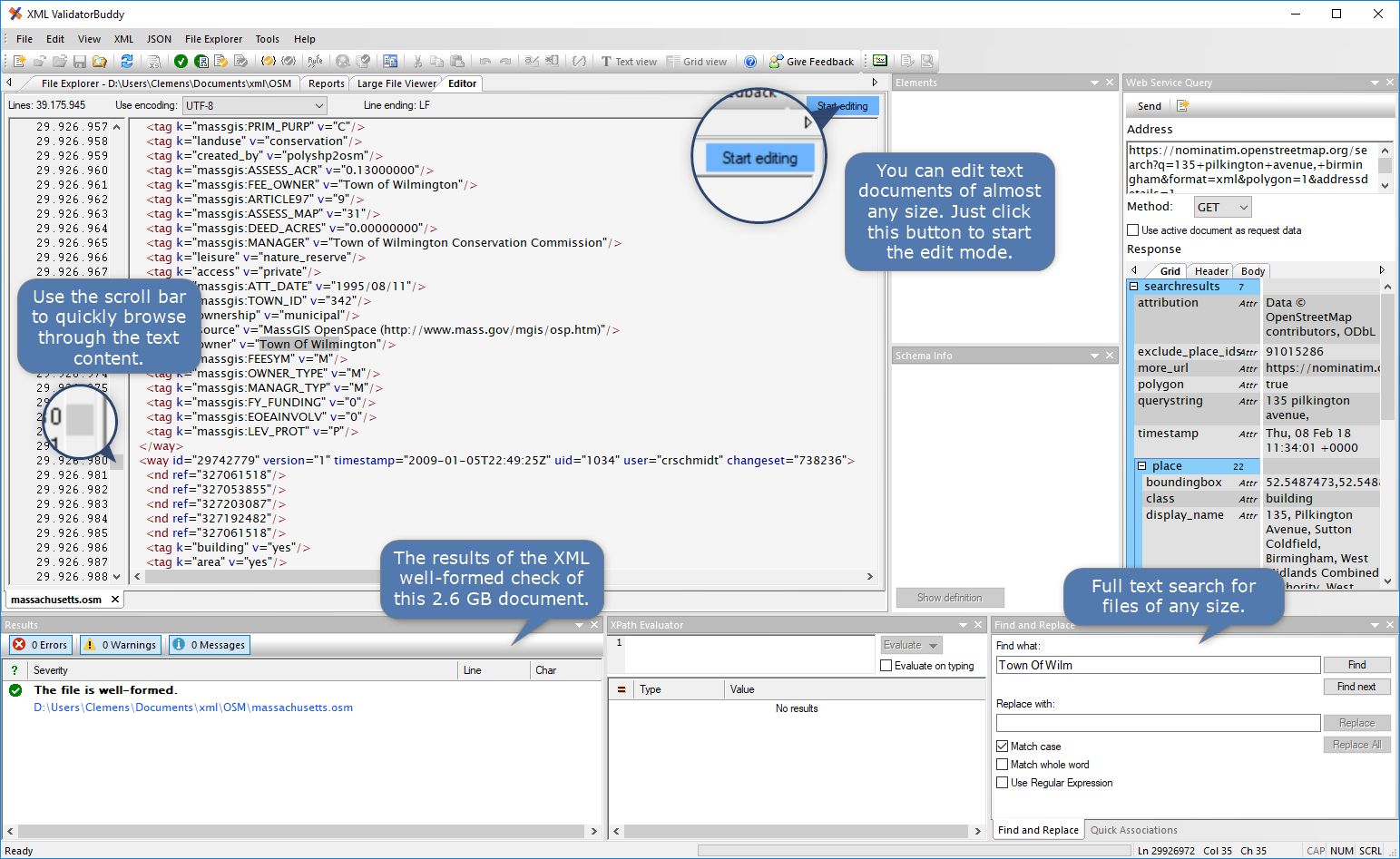
Editor and validator for large XML
View and edit large XML data - not limited to well-formed input
Learn more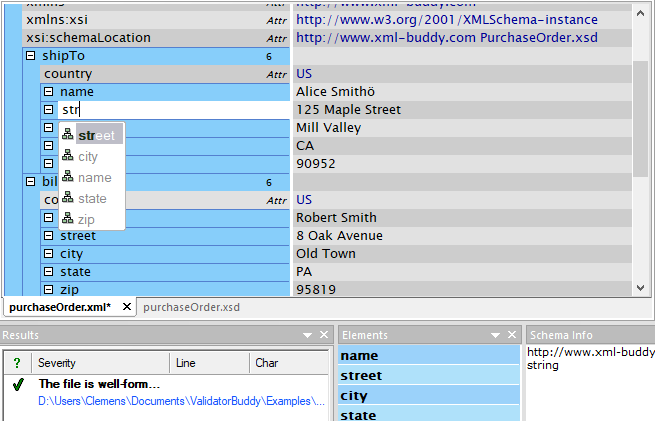
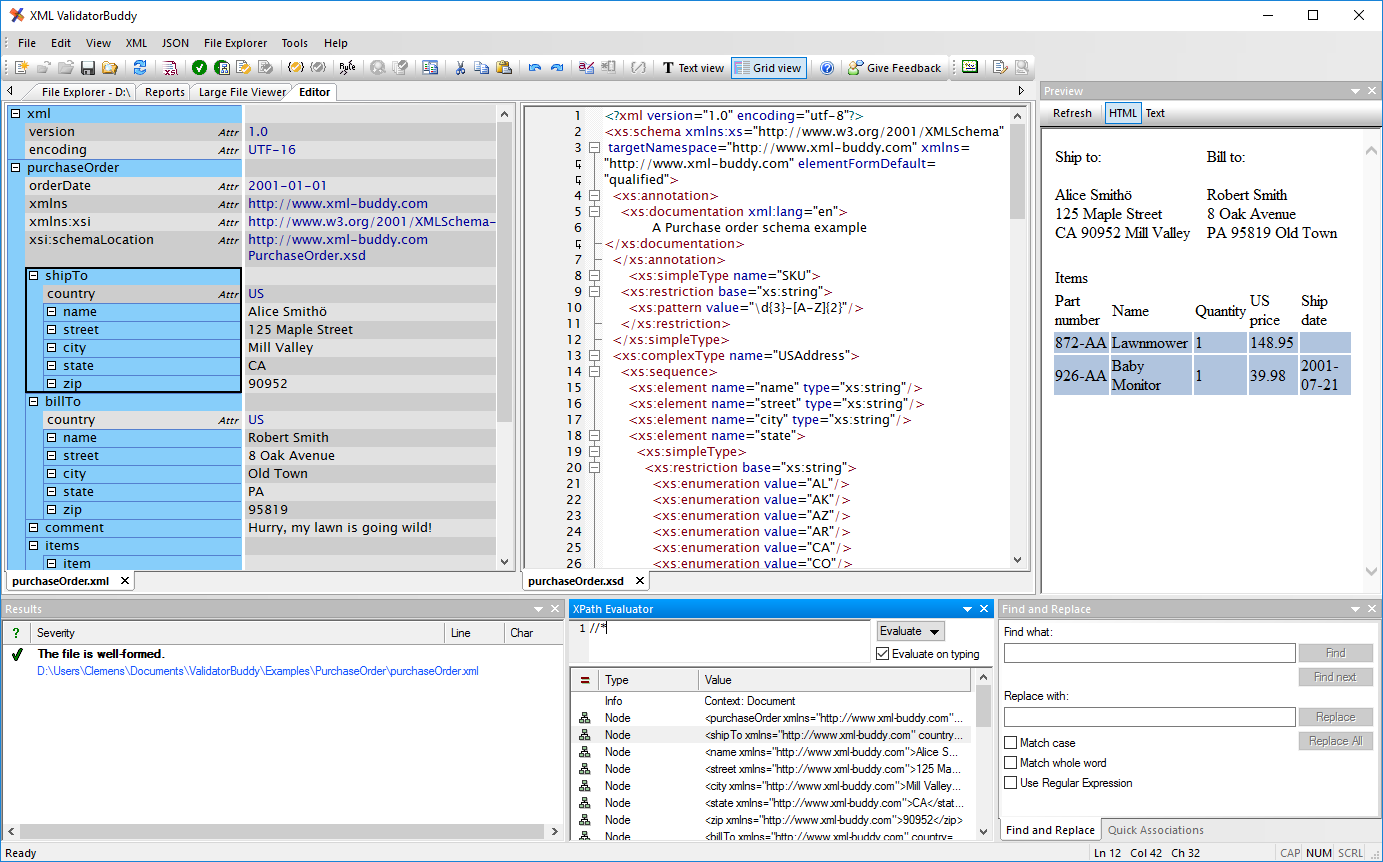
Complete XML editor
XML editor for Windows ® with syntax-coloring, code folding and many more...
Learn more